For Pipedrive
Know Which Contacts Have WhatsApp
Instantly verify phone numbers and update your CRM. Stop wasting time on messages that never arrive.
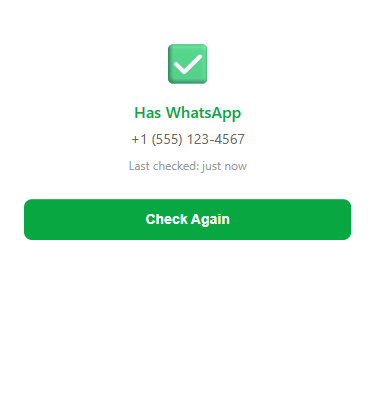
Instantly verify phone numbers and update your CRM. Stop wasting time on messages that never arrive.
Powerful features that integrate seamlessly with your Pipedrive workflow.
Open any contact in Pipedrive and click "Check WhatsApp". Get instant results without leaving your CRM. The result is automatically saved to a custom field.
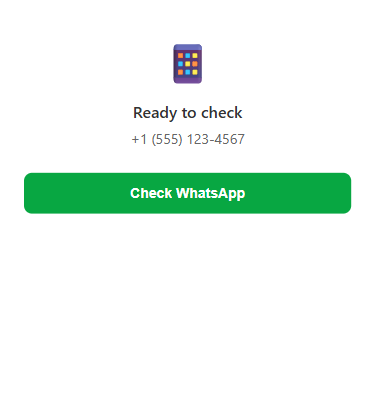
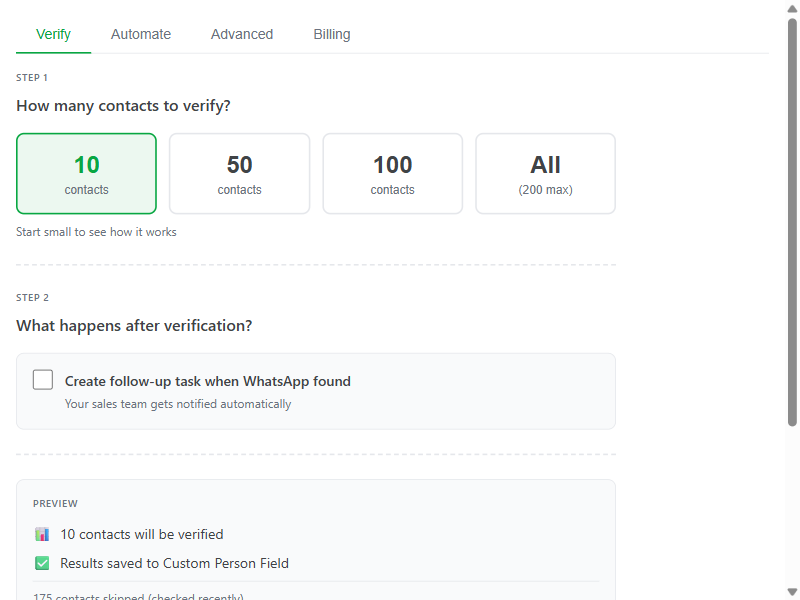
Process entire filters or pipelines at once. Select your contacts, click verify, and let the app handle the rest. Perfect for cleaning up imported lists.
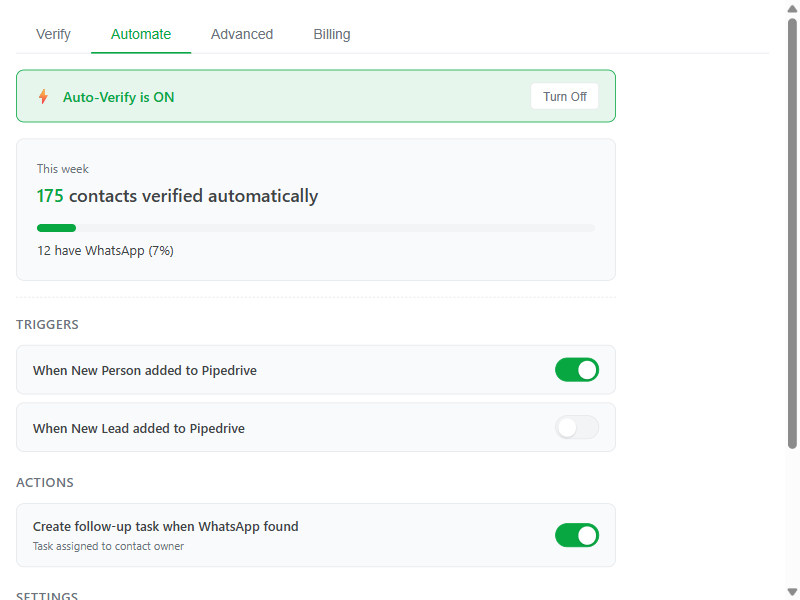
Set it and forget it. Enable auto-verify and every new contact added to Pipedrive gets checked automatically. No manual work required.
Connect to your external tools. Receive webhook notifications when verifications complete. Integrate with Zapier, Make, or your custom systems.

Four simple steps to cleaner contact data.
Add WA Contact Verify from the Pipedrive Marketplace. Takes 30 seconds.
Navigate to any person in your Pipedrive CRM.
Hit the "Check WhatsApp" button in the panel.
WhatsApp status is shown instantly and saved to your contact.
Start free, upgrade when you need more. No subscriptions, no hidden fees.
For trying it out
100 verifications/month
For small teams
500 verifications
Best value
1,500 verifications
For high volume
5,000 verifications
We check if a phone number is registered with WhatsApp using the official WhatsApp Business API. This is the same method businesses use to verify contacts before sending messages. The check is instant and doesn't send any messages to the contact.
We only access the phone numbers of your contacts to perform verification. We read the phone field, check it against WhatsApp, and write the result to a custom field. We don't access deals, activities, notes, or any other data in your Pipedrive account.
Yes. We don't store your contact data. Phone numbers are sent to our verification service, checked, and immediately discarded. We only keep a log of verification results (verified/not verified) for your usage history. All connections are encrypted with TLS.
Very accurate. We use the official WhatsApp Business API which provides real-time registration status. If a number shows as "verified", it means they have an active WhatsApp account right now. Note that users can delete WhatsApp at any time, so we recommend re-verifying before important campaigns.
Purchased credits never expire. Buy once, use whenever you need them. The free 100 monthly credits reset each month, but any purchased credits roll over indefinitely.
We offer refunds for unused credits within 30 days of purchase. If you've already used the credits, we can't refund those verifications. Contact us at support@wacontactverify.com for refund requests.
You'll see a message letting you know you're out of credits. You can purchase more anytime from the app settings in Pipedrive. We'll never charge you automatically - you're always in control of your spending.
Start with 100 free verifications. No credit card required.
Install Free from Pipedrive